
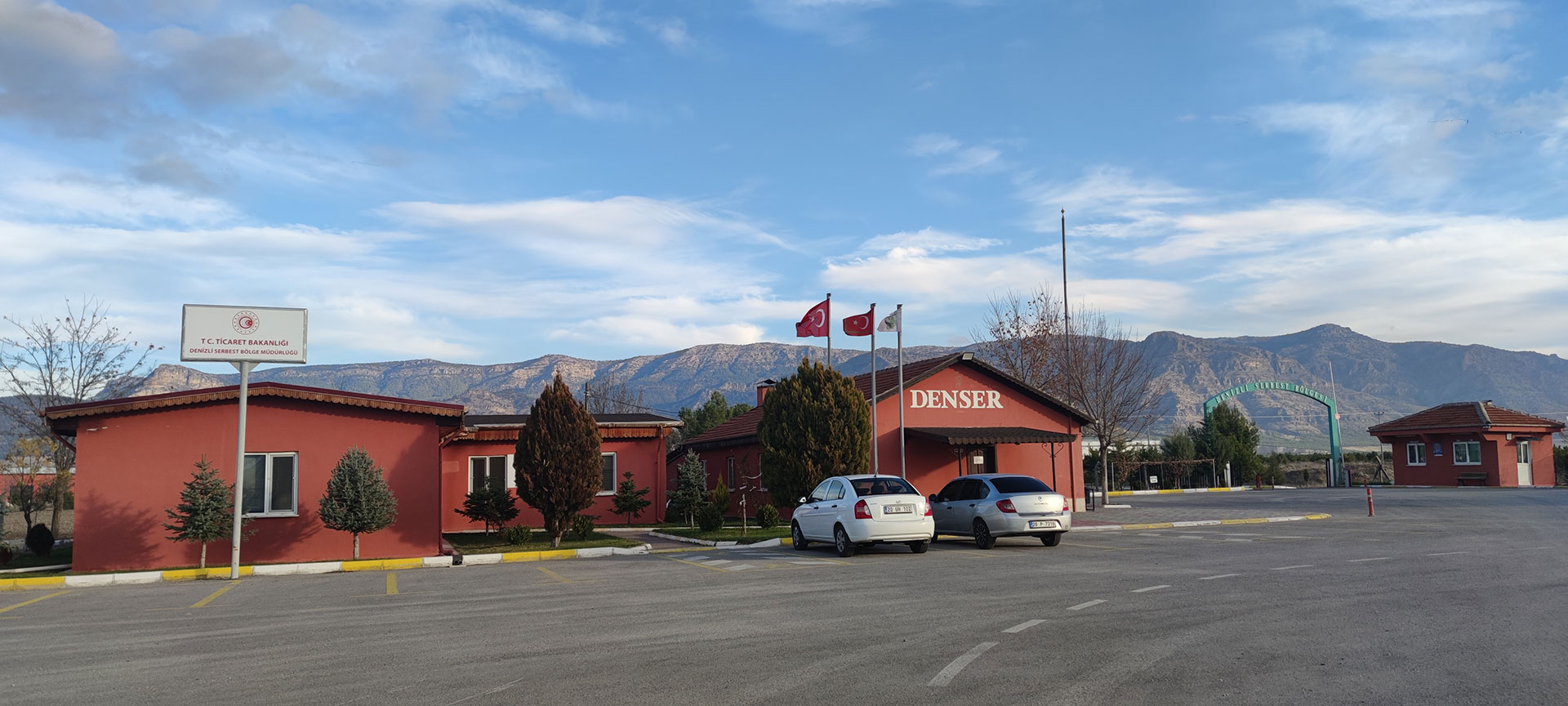
Denizli, büyük ölçüde kendi iç dinamikleri ile sergilediği hızlı ve başarılı gelişme sonucu dikkatleri üzerine çekmiştir. Son yıllarda gelişme ve sanayileşmenin konuşulduğu her platformda Denizli mucizesinden söz edilmektedir.
Dış Ticaret Tutarlarının son beş yıllık değişimine bakıldığında Türkiye’nin Dış Ticaret Tutarı 2016 yılında 351.436.241 Bin ABD $ iken 2021 yılı sonu itibariyle 496.656.747 Bin ABD $ olmuştur.
| Dış Ticaret Hacimlerinin Değişimi | |||
| Değer: Bin ABD $ | |||
| 2016 | 2021 |
Değişim
Oranı |
|
| Türkiye | 351.436.241 | 496.656.747 | 41,32 |
| Serbest Bölgeler Geneli | 19.033.079 | 24.618.099 | 29,34 |
| Denizli Serbest Bölge | 17.821 | 68.640 | 285,16 |
Türkiye Serbest Bölgeleri basında 2016 yılında 19.033.079 Bin ABD $ olan yıllık ticaret hacmi tutarı 2021 yılında % 29,34 artışla 24.618.099 Bin ABD $ olduğu, Denizli Serbest Bölgesi ticaret hacimlerine bakıldığında, 2016 yılında 17.821 Bin ABD $ olan ticaret hacmi 2021 yılında % 285,16’lık 68.640 Bin ABD $ olmuştur. 2021-2022 yılı içerisinde aramıza katılarak fabrika binalarını tamamlanma aşamasına gelen üretim ve alım-satım ruhsatı alan firmalarımızın katkılarıyla Denizli Serbest Bölgesinin ticaret ve istihdam büyümeleri gözle görülür bir şekilde artmaya devam edecektir.
Denizli’nin dış ticarette kazandığı başarıyı gelecekte de sürdürmesi ve artırabilmesi için endüstriyel verimliliğin ve rekabet gücünün artırılması, yeni teknolojilerin takip edilerek uygulanması ile gelişmiş dünya ekonomileriyle entegrasyonu tamamlayacak yeni bir gelişme trendi içine girmesi gerekmektedir.
Hızlı bir globalleşme sürecinin yaşandığı günümüzde uluslararası ticarette kıyasıya bir rekabet yaşanmaktadır. Bu koşullarda ülkelerin dış ticaret politikaları ve bu politikalar içindeki, değişik ekonomik enstrümanların kullanım şekilleri her geçen gün biraz daha önem kazanmaktadır. Sağladığı kolaylıklar ve muafiyetlerle, ihracata dönük üretim yapan firmaların, girdi, istihdam, yatırım ve pazarlama maliyetlerini düşürerek rekabet güçlerini artıran serbest bölgeler bu enstrümanların en önemlilerindendir.
DENSER, Denizli Serbest Bölgesi’nde yatırım ve üretimi cazip hale getireceğinden gıda, ambalaj vb. gibi hafif sanayinin oluşmasına imkân vererek sanayide dönüşümün yolunu açacaktır. Dünya ticaret hacmi içerisinde payı gün geçtikçe artan ve kârlı bir alan olma özelliğini koruyan tekstil sektörüne de yatırım artacaktır. DENSER, bu sektörde faaliyet gösteren firmaların uluslararası piyasalarda rekabet gücünü artıracak ve piyasadaki mevcut pazar paylarını büyütecektir. Bu da Türkiye’nin Güney Kore, Çin, Pakistan, Hindistan, Tayvan gibi ülkelerle daha iyi rekabet etmesine ve pazar payını büyütmesine yardım edecektir.
Denizli gibi dinamik ve ihracata dönük üretim yapan bir ekonomide serbest bölge kurulmasının hem Denizli hem de ülkemiz için önemli fırsatlar yaratacağı düşüncesiyle böyle bir projenin içerisinde bulunmaktan büyük bir kıvanç duyuyoruz.